
How to add a recipe to a collection
You don’t need to open a collection to fill it. Add recipes straight from your recipe list, to as many collections as you like.
Updated
Step by step
-
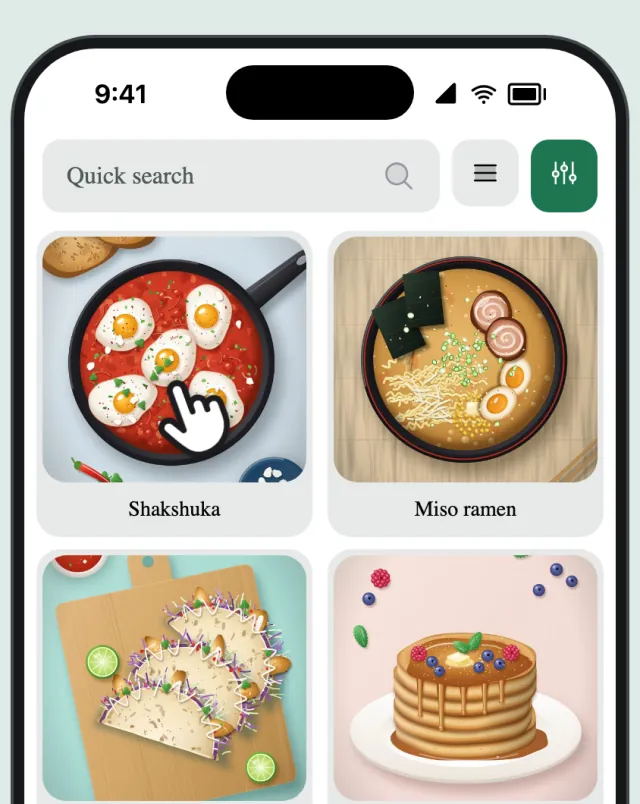
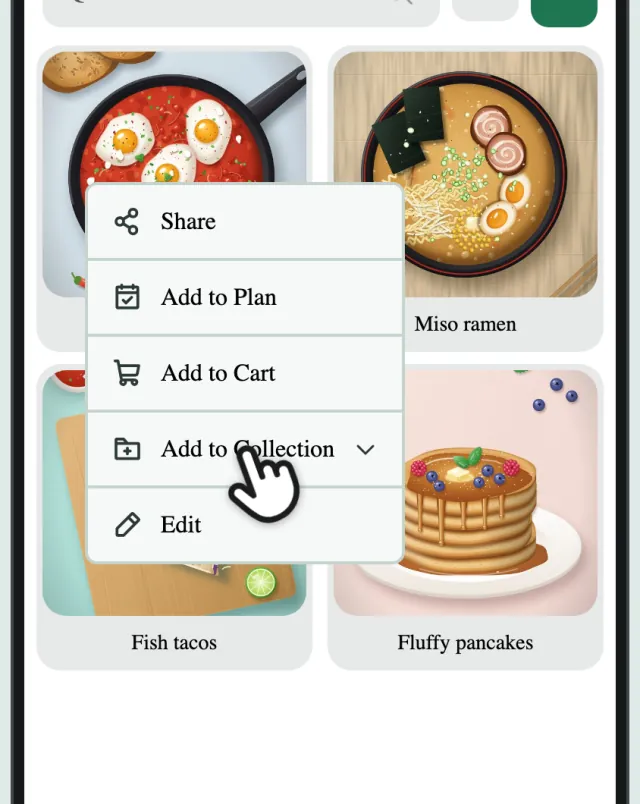
Touch and hold a recipe
In your recipe list, touch and hold a recipe.
-
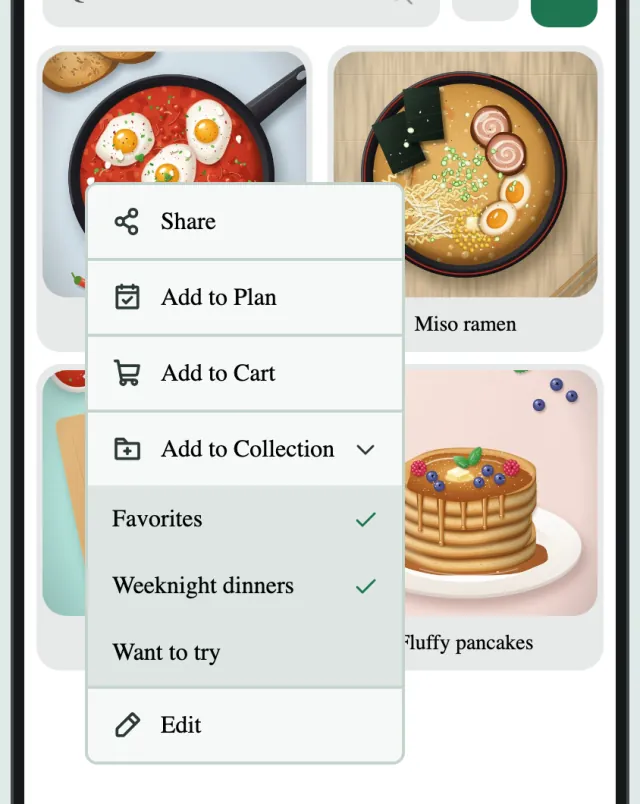
Tap “Add to Collection”
Tap “Add to Collection”.
-
Pick a collection
Tap a collection. A ✓ shows which ones already have the recipe.