
How to save recipes from Instagram
Share an Instagram post or reel to CookZone, and a few seconds later the recipe is in your collection, with the ingredients and steps written out.
In Instagram, tap the share button on the post, then “More” or “Share to…”. Pick CookZone and tap “Submit”. The recipe is ready a few seconds later.
Updated
Step by step
The steps are the same on iPhone, iPad and Android. Only the share menu in step 3 looks different.
-
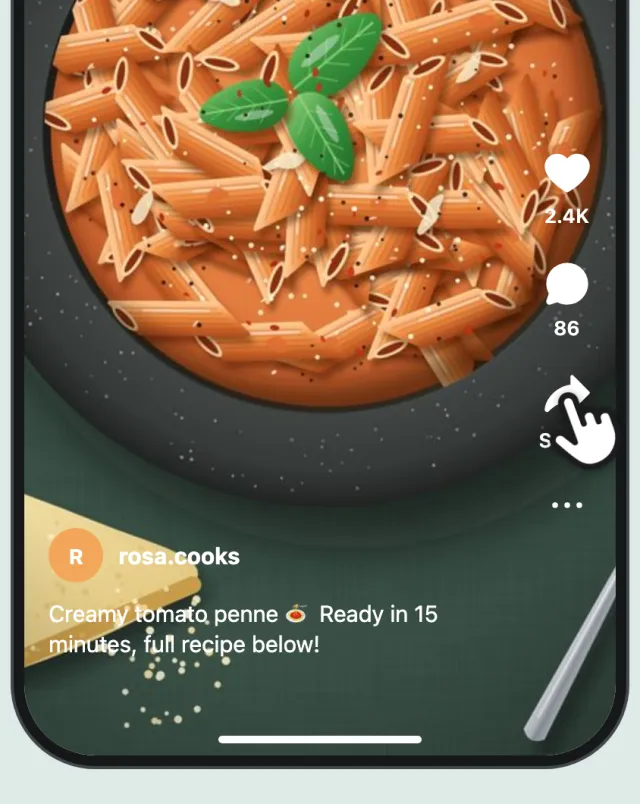
Tap the share button
Open the recipe post or reel in Instagram and tap the share button.
-
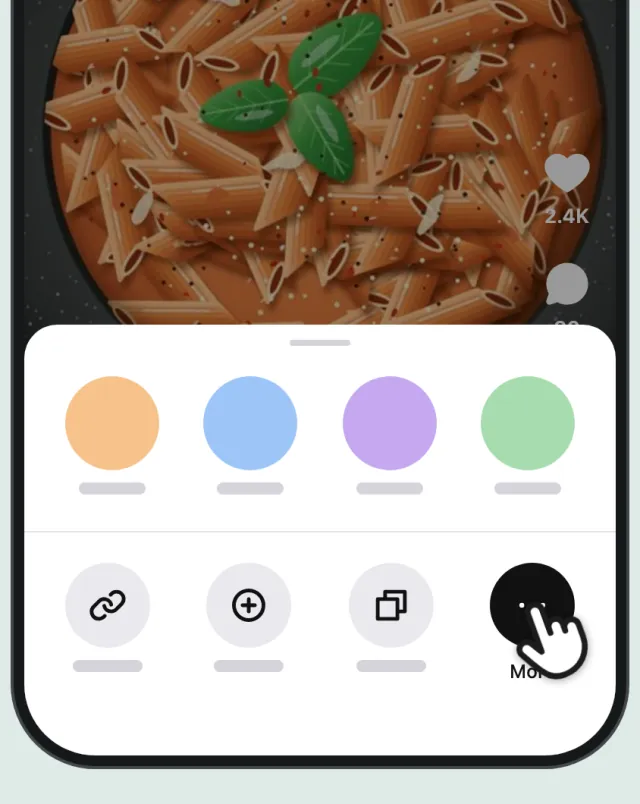
Open your phone’s share menu
Instagram shows its own share options first. Tap “More” or “Share to…” to open your phone’s share menu.
-
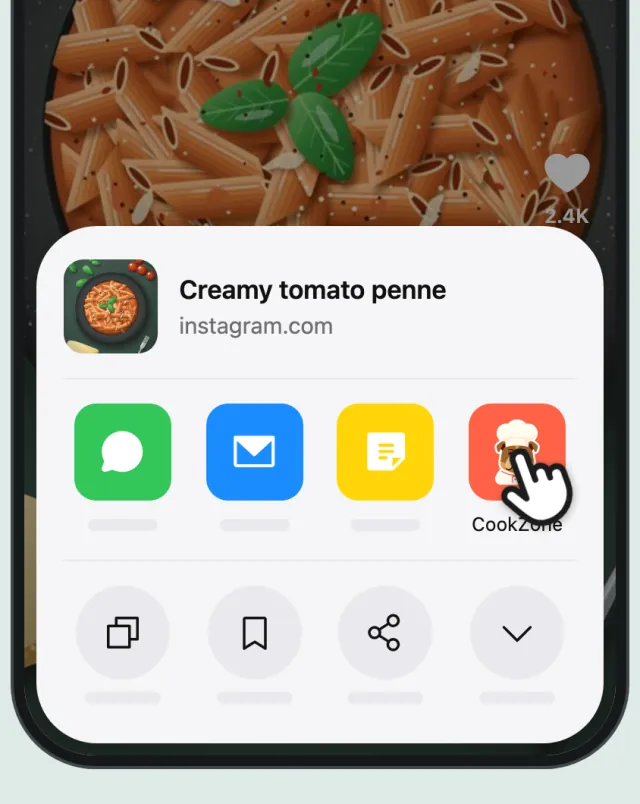
Pick CookZone
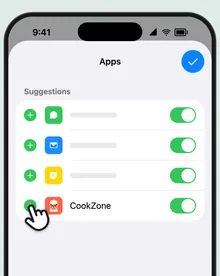
On iPhone, tap CookZone in the row of apps. Not there? Swipe to the end of the row and tap “More”. On Android, tap the CookZone icon.
iPhone 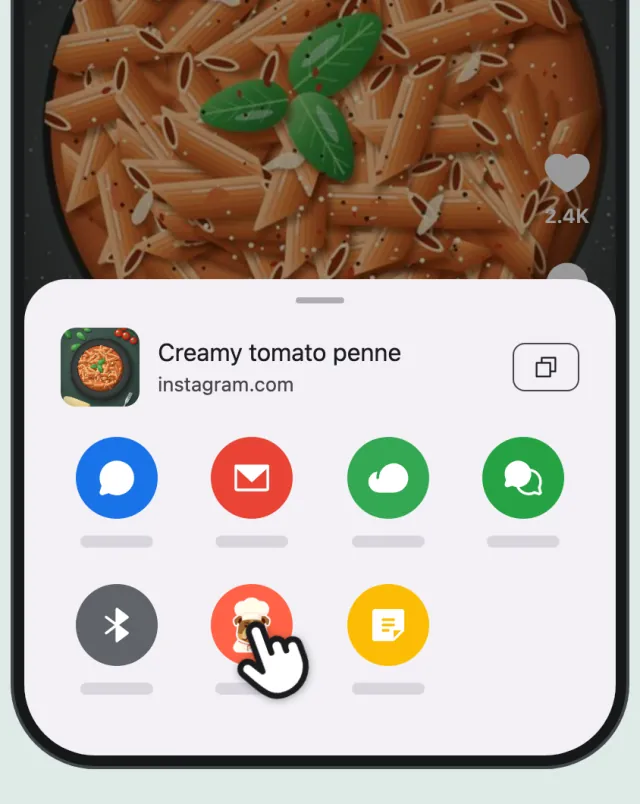
Android -
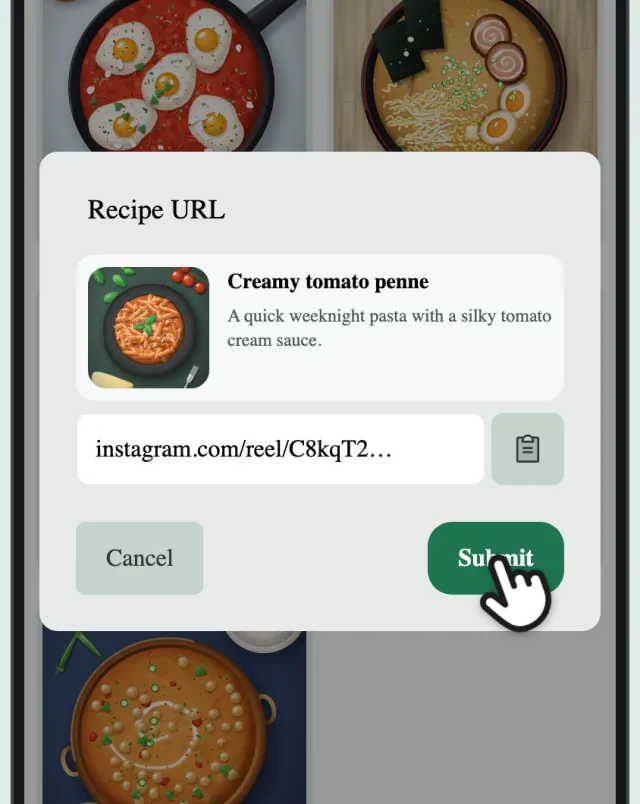
Tap “Submit”
CookZone opens with the link already filled in. Tap “Submit”.
-
Done
A few seconds later the recipe is in your collection, with ingredients and steps. Give the amounts a quick look before you cook: you can edit anything.
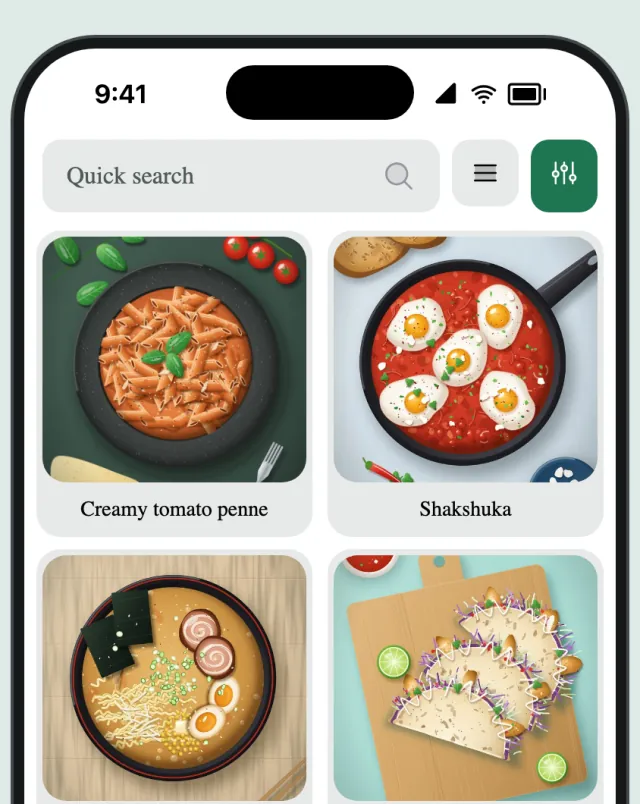
What CookZone takes from the post
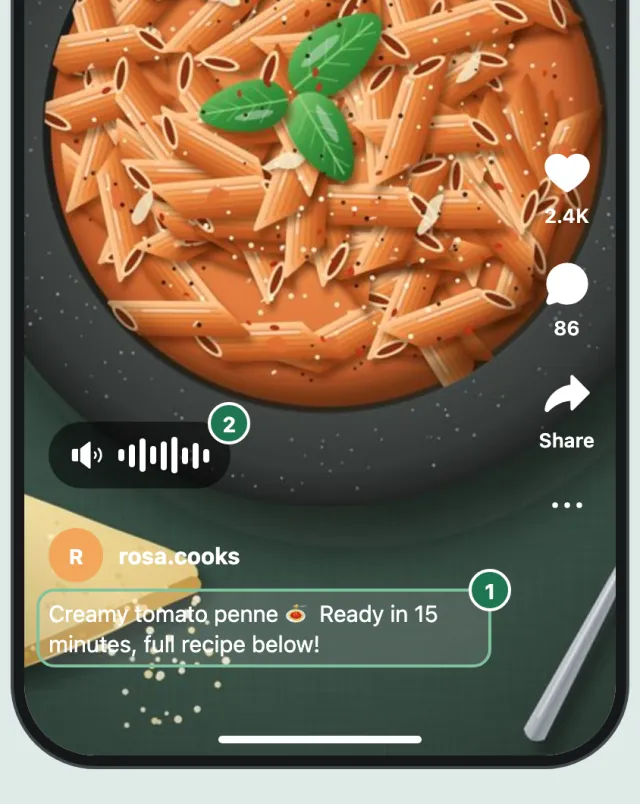
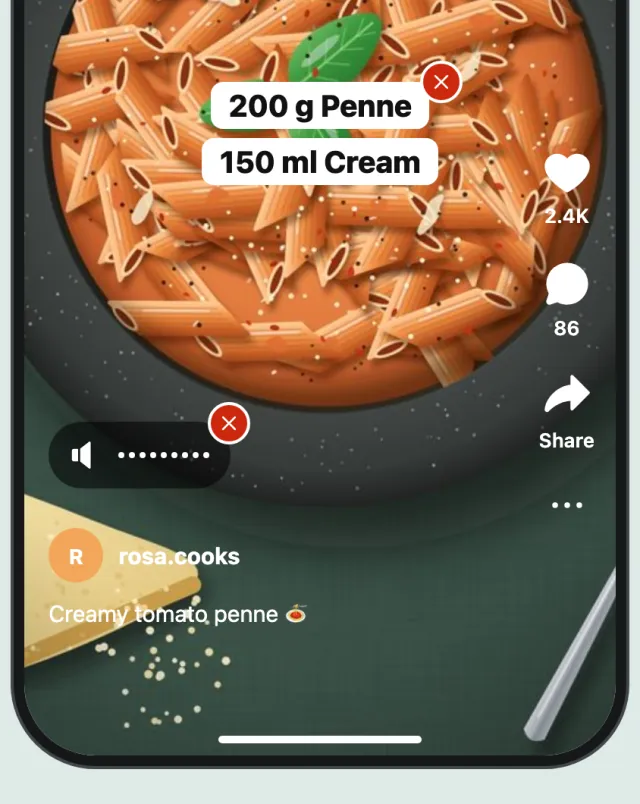
- Recipe linked in the caption?
- CookZone follows the link and imports the recipe from that page, with the photo from the post. If the page has no recipe on it, CookZone uses the caption.
- Posts and reels
- Both work. Stories can’t be imported.
- Yours to keep
- The recipe and its photo are saved in your collection, so they stay even if the post is deleted later.
Sharing not working? Paste the link
Sharing not working? Copy the link instead. In Instagram, tap the share button and copy the link. In CookZone, tap “Add” on the Recipes tab, choose “URL”, paste the link and tap “Submit”. No recipes yet? Tap “Paste a link” instead.
TikTok, YouTube and Facebook work the same way
Open the recipe in TikTok, YouTube or Facebook and tap the share button. If the app shows its own share options first, tap “More” or “Share to…”. Then pick CookZone. It reads the caption or description first, then what’s said in the video. On Facebook, the video’s sound isn’t used.
Questions
What if no recipe is found?
CookZone needs the ingredients or steps somewhere: in the caption, on a page the caption links to, or spoken in the video. If none of them has the recipe, there’s nothing to import.
Can I do this on a computer?
Yes, with the CookZone browser extension for Chrome or Firefox. Recipes you save on your phone show up on your computer too.